Paystub Basics
Classic vs Modern Paystub Template: Which Layout Fits Your Record
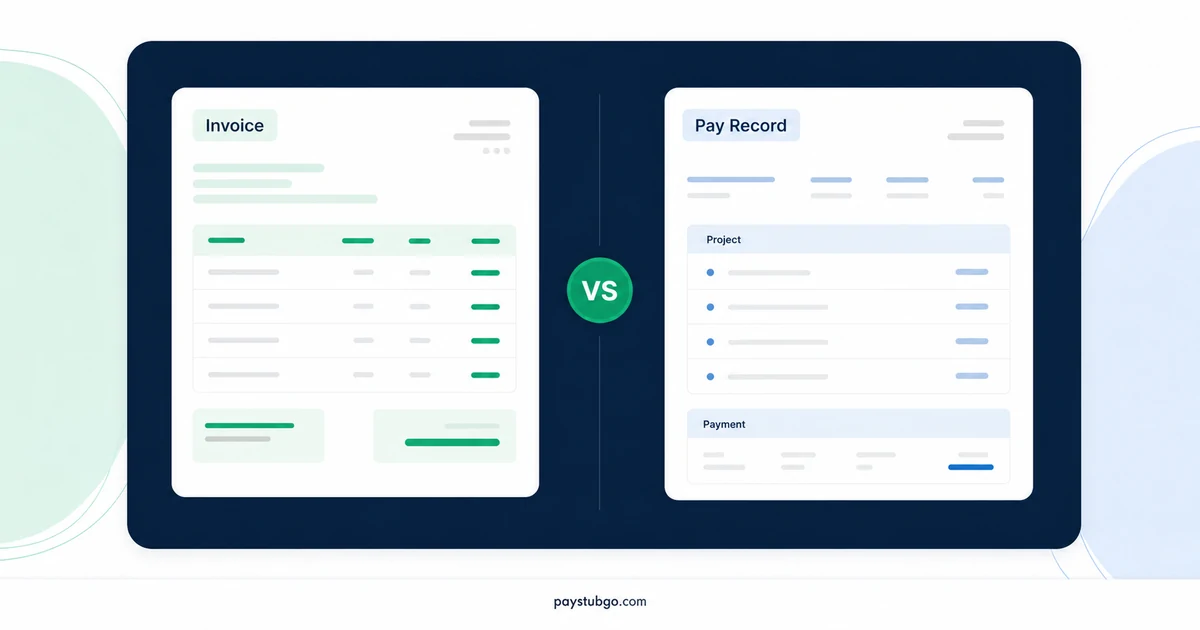
Classic grids and modern summary layouts print the same figures. Compare them feature by feature, see how PayStubGo's six templates sort, and apply a quick rule.

Table of Contents
What this guide covers
9 sectionsHide
Table of Contents
What this guide covers
Scroll inside this box to view all guide topics.
- What "classic" and "modern" mean on a paystub
- Classic vs modern paystub template at a glance
- Where a traditional layout works best
- Where a cleaner layout helps
- Which style fits common kinds of stubs
- How the header differs between the styles
- How PayStubGo's six templates sort into the two styles
- Trade-offs that surprise people
- A decision rule you can apply in a minute
A classic paystub template suits stubs with several earnings and deduction lines, because its ruled grid keeps rate, hours and amounts in columns a reviewer can check across. A modern template suits simpler stubs read mainly for net pay, because a summary block and extra white space put the key figures first. Neither changes the numbers.
Both styles print identical figures, so the decision rests on who reads the stub and how many lines it carries. PayStubGo's live templates include clear examples of each, from the traditional grid of the Professional Classic template to the bordered cells of the Minimal Professional template.
What "classic" and "modern" mean on a paystub
Neither word is a formal category, and payroll rules do not define them. In everyday use they describe two design traditions.
A classic layout descends from the printed stub attached to a paper paycheck. It uses a ruled table with columns such as Description, Rate, Hours and Current Pay, a header that splits employer details from employee and pay period details, and a totals block at the foot. It is dense by design, since paper was expensive and the stub had to fit.
A modern layout borrows from app and web design. It leads with a summary of gross pay, total deductions and net pay, groups details into cards or bordered cells, and relies on white space and type size instead of rules to separate sections. It usually shows fewer lines per inch of page.
Classic vs modern paystub template at a glance
The comparison below covers the features that most affect how each style reads.
| Feature | Classic layout | Modern layout |
|---|---|---|
| Structure | Ruled grid with columns | Cards, blocks or bordered cells |
| First figure the eye finds | Employer name, then the earnings table | Net pay in a summary block |
| Rate and hours | Own columns beside each amount | Often a caption under each line |
| Space per line | Compact | Generous |
| Comfortable line count | Many earnings and deduction lines | A handful of lines |
| Typical reviewer | Bookkeeper or business owner | The person paid |
Those are tendencies rather than rules. A well-built modern layout can hold a long stub, and a tidy grid can serve a single salary line, but the fit is easier when style and content point the same way. Whichever you choose, the underlying rule from the explainer on why pay figures stay fixed across templates still applies.
Where a traditional layout works best
A classic grid earns its density when the reviewer needs to check arithmetic line by line. That is common with hourly pay, overtime, several deductions, or a business owner comparing stubs against timesheets.
Illustrative example (made-up figures): An hourly worker records 42.5 hours in one workweek at a base rate of $26.00, with overtime paid at 1.5 times the base rate.
- Regular pay: 40 × $26.00 = $1,040.00
- Overtime rate: $26.00 × 1.5 = $39.00
- Overtime pay: 2.5 × $39.00 = $97.50
- Gross pay: $1,040.00 + $97.50 = $1,137.50
In a grid, those figures form two rows: Regular, 26.00, 40.00, 1,040.00, then Overtime, 39.00, 2.50, 97.50. A reviewer reads across each row to confirm the multiplication and down the last column to confirm the gross. If someone typed 79.50 instead of 97.50, the row no longer multiplies, and the transposed digits jump out.
The same holds for stubs that carry separate bonus lines, commissions or several deductions. Columns keep like with like, so a reader comparing this period with the last can run a finger down one column instead of searching card by card.
Where a cleaner layout helps
A modern layout is at its best when the stub has little to itemize and the main question is how much was paid.
Illustrative example (made-up figures): A salaried employee earns $58,500.00 a year, paid semimonthly, with deductions assumed at $486.25 for the period.
- Periods per year: 24
- Gross pay per period: $58,500.00 ÷ 24 = $2,437.50
- Net pay: $2,437.50 − $486.25 = $1,951.25
Here a summary block shows everything most readers need in three figures. A grid built around rate and hours has little to put in those columns for a single salary line, so the page ends up as a large table with one populated row. The per-period figure depends on the schedule, and the explainer on how pay periods divide salary shows why the same annual salary gives different amounts on weekly, biweekly and semimonthly stubs.
Cleaner layouts also suit contractor payment summaries with one or two payment lines and no withholding, and stubs that will mostly be opened as PDFs on a phone, where large headline figures stay readable without zooming.
Which style fits common kinds of stubs
The table applies the comparison to the stub types people prepare most often.
| Stub type | Typical lines | Better fit | Why |
|---|---|---|---|
| Hourly with overtime | 2 to 3 earnings, 5 to 7 deductions | Classic | Rate and hours columns support row checks |
| Salaried with standard benefits | 1 earnings, 4 to 6 deductions | Modern | Few earnings details to itemize |
| Commission sales | Base, commission and bonus lines | Classic | Several earnings lines compared across periods |
| Contractor payment summary | 1 to 2 payment lines, no withholding | Modern | A summary answers the main question |
| Many voluntary deductions | 8 or more deduction lines | Classic | Compact rows keep the totals in view |
When a stub sits on the boundary, such as a salaried employee who occasionally earns overtime, pick for the busier periods. A layout chosen for the quiet months struggles in the busy ones, while a grid handles a quiet month with a shorter table.
How the header differs between the styles
A classic header usually runs as two blocks: the employer name and address on one side, and the employee, pay period and pay date on the other, often with a stub number. It reads like a form. A modern header breaks the same details into labeled cells, or spreads the pay date, frequency and check number across a band.
On PayStubGo's sample previews, Minimal Professional gives the pay period, pay date, employee number and stub number their own bordered cells, while Classic Blue and Detailed Blue list frequency and check number in the header area. The practical effect is speed for different tasks. A two-block header is quickest for someone filing stubs by employee and date, and a cell-based header is quickest for someone hunting for one item, like the pay date, without reading everything else.
How PayStubGo's six templates sort into the two styles
Each of the six is included in the price and can be swapped in during the preview, before any payment. Based on their sample previews, they divide like this:
- Classic side: Professional Classic, described as the traditional payroll-style option; Default, which uses the same Description, Rate, Hours and Current Pay grid; and Refined Blue, an earnings statement design built on that grid, with the dates labeled "Reporting Period".
- Modern side: Minimal Professional, with bordered information cells and a net pay summary; Classic Blue and Detailed Blue, which both place a Pay Summary block near the top and show rate and hours beneath each earnings line.
Classic Blue is worth a note, because its name says classic while its structure, card-based sections with a summary block, behaves like a modern layout in this comparison. Judge each template by how it arranges your figures, not by its name.
Trade-offs that surprise people
Each style has a weak spot that only shows up with real data.
- Modern layouts grow tall quickly. Every earnings line with a caption for rate and hours takes more vertical space, so a stub with eight or nine lines can run noticeably longer than the same stub in a grid.
- A repeated net pay figure can confuse a quick reader. Summary-first layouts show net pay near the top and again at the foot, which is correct but occasionally prompts the question of whether two amounts were paid.
- Classic grids reward trained eyes. A bookkeeper scans columns naturally, while someone unfamiliar with payroll printouts may not know where to look first.
- Switching styles between periods hides changes. Moving from a grid in March to a summary layout in April makes every figure look relocated, so a new deduction is easy to overlook.
- Generous spacing can flatten importance. In a spacious card layout, a small one-off deduction carries the same visual weight as the recurring ones, while a ruled grid nudges the reader to scan every row equally.
None of these weak spots rules a style out. They are simply the things to look for when you test a layout with your own figures instead of the tidy sample each template ships with.
A decision rule you can apply in a minute
Work through these steps with the busiest stub you expect to produce.
- Count earnings and deduction lines together. Eight or more points to a classic grid; four or fewer points to a modern layout; anything in between goes to step 2.
- Decide who checks the stub most often. A bookkeeper reconciling hours favors the grid, while the person paid checking a deposit favors the summary.
- Consider how the stub is stored. Stubs printed and filed in black and white favor designs with light shading.
- Load your real figures, switch between one template from each style in the preview, and keep the one that passes a quick read.
- Use that same template for every later period in the series.
If both styles still seem close after step 4, the readability tests in choosing a template for review will usually separate them.
Whichever style you pick, the stub shows only the figures you enter. PayStubGo does not run payroll or verify earnings, so settle tax and deduction questions against payroll records or with a tax professional.
PayStubGo
Create a paystub from your own details
Preview your paystub, review the layout, and download a clean PDF when the information looks right.