Paystub Basics
Invoice vs Paystub-Style Record for Freelancers: Which to Use
Freelancers send invoices to get paid and may keep payment summaries afterward. What each document holds, and how to keep the two tied together.
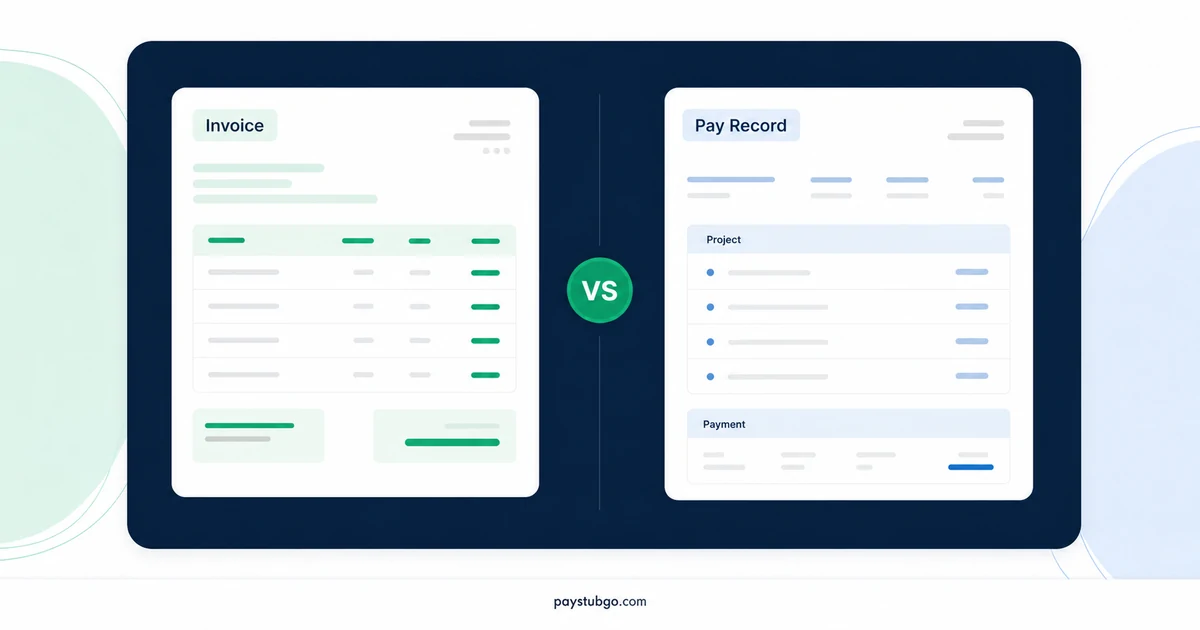
Table of Contents
What this guide covers
8 sectionsHide
Table of Contents
What this guide covers
Scroll inside this box to view all guide topics.
- What each document does, side by side
- Fields a freelance invoice needs
- When a paystub-style payment record earns its place
- Why a payment summary cannot replace the invoice
- Deposits, credit notes and late fees belong on invoices
- Keeping invoices and payment records connected
- Wording that keeps a freelance payment record accurate
- Year-end: invoices, deposits and the 2026 reporting figure
An invoice asks a client to pay: it lists the work, the amount due and the payment terms, and it goes out before any money moves. A paystub-style record looks backward and summarizes a payment already received for a period. Most freelancers need an invoice for every job and treat a payment summary as an optional follow-up.
The confusion usually starts when a client pays a steady monthly amount and the freelancer wants something that looks like a regular pay record. That can be reasonable, but it never replaces the invoice. The broader question of how contractor records differ from employee pay is covered in the complete contractor records guide; this article stays with the two documents a freelancer actually produces.
What each document does, side by side
The quickest way to separate them is to ask when each one is created and who needs it.
| Question | Invoice | Paystub-style payment record |
|---|---|---|
| Main job | Request payment for work delivered | Summarize a payment that already arrived |
| Created | When work is finished or a milestone is reached | After the deposit clears |
| Main reader | The client's accounts payable team | You, your bookkeeper or your own files |
| Key numbers | Amount due, due date, terms | Amount received, pay date, running total |
| Status it can show | Unpaid, partly paid, paid | Paid only |
An invoice can exist without a payment record, and often does. A payment record without an invoice behind it is a warning sign: there is nothing to show what the client agreed to pay.
Fields a freelance invoice needs
Clients' finance teams process invoices against their own purchase records, so missing details slow payment down. A complete invoice normally carries:
- A unique invoice number that you never reuse.
- The issue date and the due date, or terms such as "due within 30 days".
- Your name or business name, address and contact email.
- The client's legal name, billing address and any purchase order number they gave you.
- Line items with a description, quantity and rate for each.
- A subtotal, any agreed discount, tax if your state or city applies it to the service, and the total due.
- Payment instructions, such as bank transfer details or a card payment link.
If you do not have a template, the free invoice generator lays these fields out and numbers each document for you.
Illustrative example (made-up figures): A freelance writer bills a software company for March 2026. The line items are three blog posts at $350 each ($1,050) and 2 hours of editorial consulting at $90 an hour ($180), for a subtotal of $1,230. The client has a 5% returning-customer discount, which is $1,230 × 0.05 = $61.50. The total due is $1,230 − $61.50 = $1,168.50, payable within 30 days of the April 1 issue date. No sales tax line appears because, in this made-up case, the writer's state does not tax the service.
When a paystub-style payment record earns its place
A payment summary is most useful when payments repeat. A monthly retainer, a weekly editing contract or a long engagement paid in instalments produces a pattern that a year-to-date column shows well. It also helps when you want one page per month for budgeting, or when a bookkeeper prefers a consistent layout over a folder of bank screenshots.
Our walkthrough for contractors using a pay stub generator covers how to fill each field. If you go that route, pick a plain layout from the paystub templates so the page reads as a summary rather than payroll.
Illustrative example (made-up figures): A designer has a $2,000 monthly retainer paid on the 5th. January and February arrive on time. The March payment is delayed and lands on April 2, followed by the April payment on April 5. A summary dated March 31 shows a year-to-date total of $2,000 + $2,000 = $4,000, not $6,000, because only two payments had arrived. By April 5 the total is $8,000. The retainer covers the same months either way; the payment record follows the pay dates, and the invoices keep the service months.
Why a payment summary cannot replace the invoice
A summary has no due date, no terms and no amount outstanding, so it cannot tell a client what they owe or tell you who is late. It also records only money that arrived. If a client pays $900 of a $1,200 invoice, the summary shows $900 and says nothing about the missing $300, while the invoice still shows a $300 balance.
The invoice is also what you point to if a client later questions the charge. It shows the scope, the quantities and the terms both sides saw when the bill went out, while a summary only shows that some money changed hands.
Year-end reporting gives one more reason to keep invoices primary. At year end, clients report what they paid during the calendar year. Under the IRS instructions for Forms 1099-MISC and 1099-NEC (December 2026 revision), the reporting threshold for payments in tax years beginning after 2025 is $2,000 per payee. Your invoices tell you what you billed; your deposits and summaries tell you what the client is counting.
Deposits, credit notes and late fees belong on invoices
Many freelance arrangements involve money moving before, or apart from, the finished work. Each of those movements has an invoice-side document, and the payment record only follows what actually arrives.
- Up-front deposit: issue a deposit invoice, then show the deposit as already received on the final invoice.
- Overbilling: issue a numbered credit note instead of editing a sent invoice, and apply it to the next bill.
- Late fee: add it only if your written terms included one, as a separate line on a new or updated invoice.
Illustrative example (made-up figures): A photographer agrees a $4,000 brand shoot with a 25% deposit, so the deposit invoice asks for $4,000 × 0.25 = $1,000. After delivery, the final invoice lists the $4,000 project, subtracts the $1,000 already received and shows $3,000 due. It later turns out 2 editing hours at $90 were billed twice, so the photographer issues credit note CN-2026-001 for $180 against the next job. The payment record shows only the two amounts received, $1,000 and $3,000, while the credit note lives with the invoices.
Keeping invoices and payment records connected
The two documents are only useful together when each points at the other. A simple link between them prevents most year-end confusion:
- Put the invoice number, or numbers, on every payment summary.
- When a payment arrives, mark the invoice paid or partly paid on the same day.
- Name files so they sort together, for example "2026-03 ClientName INV-2026-011" and "2026-04-02 ClientName payment INV-2026-011".
- Keep a one-line ledger per client with invoice number, amount billed, date paid and amount received.
A mismatch between billed and received is then visible at a glance instead of in January. How long to hold these files afterward is a separate question, answered in the article on keeping paystub copies, and the same reasoning applies to contractor paperwork.
Wording that keeps a freelance payment record accurate
A payment summary for contract work should read like what it is. Small wording choices make the difference:
- Title it "Payment summary" or "Client payment record", not "Payroll statement".
- Name the client as the payer, not as your employer.
- Label earnings by what was billed, such as "Retainer, March 2026" or "Invoice INV-2026-011".
- Leave federal and state withholding lines empty unless the client actually withheld something.
- Show fees or partial payments as their own lines, so the amount received matches the bank.
Standard employee stubs follow a different field list, and the rundown of what a pay stub includes shows which of those fields a contract record should skip.
PayStubGo formats the figures you enter into a paystub-style PDF and lets you preview it before download. It does not create invoices inside that flow, check what a client paid or decide how any payment is taxed.
Related: Pay Stubs When You Are Self-Employed: What Lenders and Landlords Actually Ask For
Related: Social Security Earnings Record: Check It Against Your W-2
Year-end: invoices, deposits and the 2026 reporting figure
December invoicing creates the most mismatches, because the date on an invoice and the date money arrives can fall in different years.
Illustrative example (made-up figures): A consultant invoices a client $1,500 on December 18, 2026, and the client pays it on January 8, 2027. Earlier in 2026 the same client paid $1,200. Counting payments made during 2026, the client's total is $1,200, below the $2,000 reporting figure. The $1,500 payment belongs to the client's 2027 payments. The consultant's invoice log shows $2,700 billed to that client in 2026, which is why the log and the deposit list must be kept apart.
Rules around invoices and payments vary in the US. Whether a service carries sales tax is set by each state, and sometimes a city, while information-return thresholds and due dates come from the IRS. State revenue department websites and the current IRS instructions for Forms 1099-MISC and 1099-NEC are the places to check. This article describes records, not tax treatment, so questions about how your income is reported belong with a tax professional.
PayStubGo
Create a paystub from your own details
Preview your paystub, review the layout, and download a clean PDF when the information looks right.


