Paystub Basics
Biweekly vs Semimonthly Pay: 26 vs 24 Paychecks Explained
Biweekly and semimonthly stubs differ in check size, pay dates, hours and third-paycheck months. Worked examples and a 2026 to 2027 payday table.
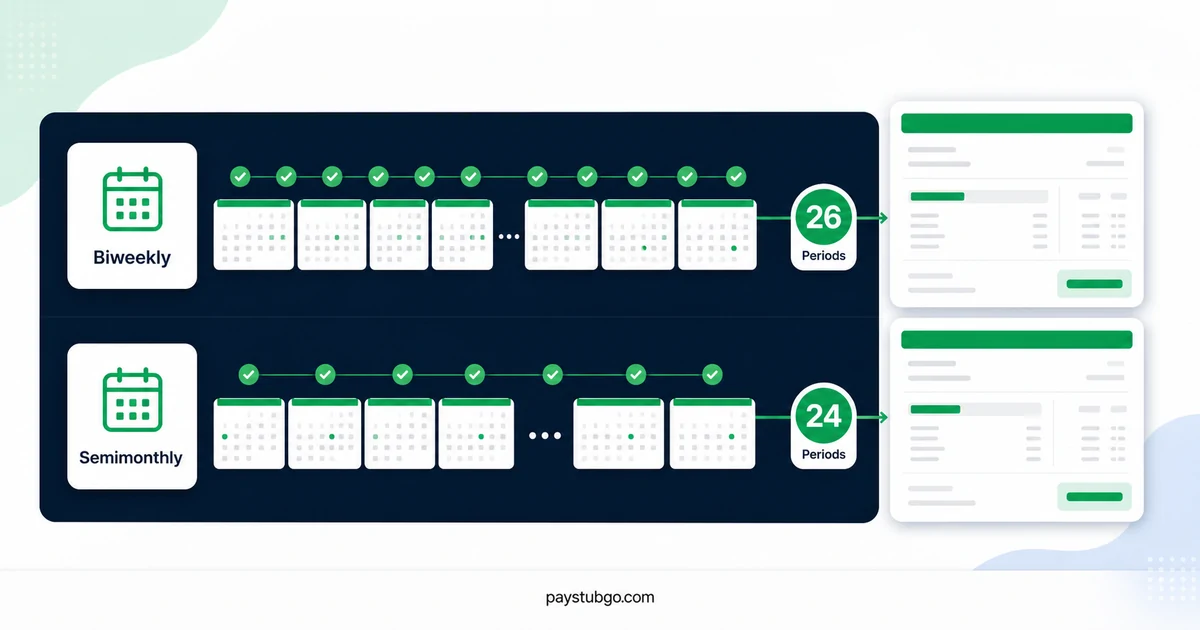
Table of Contents
What this guide covers
8 sectionsHide
Table of Contents
What this guide covers
Scroll inside this box to view all guide topics.
- Biweekly and semimonthly schedules at a glance
- Why a biweekly check is smaller at the same salary
- Why some months have three biweekly paydays
- Deductions on a third paycheck
- Hours and overtime on each type of stub
- Working back to an annual salary from one stub
- Other differences you will notice on the stub
- Setting up a biweekly or semimonthly stub correctly
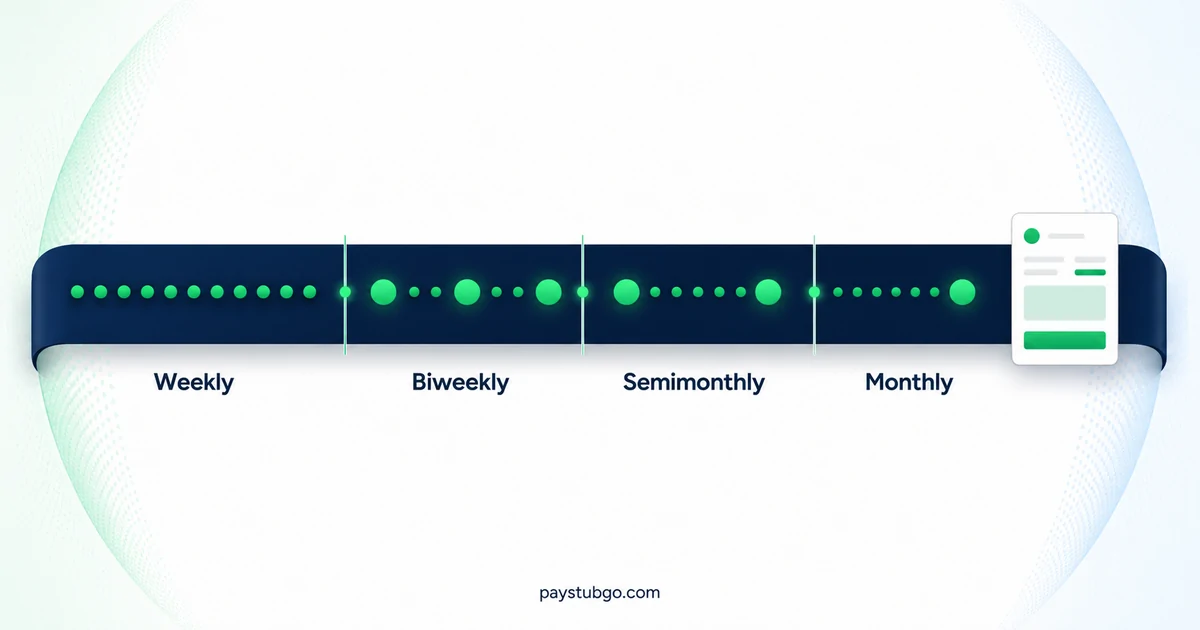
Biweekly pay arrives every other week on the same weekday, which gives 26 paychecks in most years. Semimonthly pay arrives on two fixed dates each month, which gives 24. At the same salary each biweekly check is smaller, two months a year bring a third biweekly paycheck, and hourly semimonthly checks change with the workdays in each half-month.
The two words sound alike and are often mixed up, but a stub from each schedule reads differently from the first line. Our broader guide to every common pay schedule adds weekly and monthly pay to the comparison; this article stays with the two schedules people confuse most.
Biweekly and semimonthly schedules at a glance
The table compares the two schedules on the details that appear on a paystub. The gross figures use an illustrative $78,000 salary.
| Detail | Biweekly | Semimonthly |
|---|---|---|
| Paychecks a year | 26, or 27 in some years | 24 |
| When you are paid | The same weekday every other week | Two set dates, such as the 1st and 16th |
| Days in each period | Always 14 | 13 to 16 |
| Paychecks per month | 2, or 3 in two months of the year | Always 2 |
| Gross per check on $78,000 | $3,000.00 | $3,250.00 |
| Full-time hours per period | 80 | Roughly 72 to 96, by weekday count |
Both schedules pay the same salary over a year: 26 × $3,000.00 = $78,000.00 and 24 × $3,250.00 = $78,000.00. The difference is how the year is sliced.
Why a biweekly check is smaller at the same salary
A semimonthly check is larger because the salary is split into fewer pieces, not because the pay is higher.
Illustrative example (made-up figures): two employees each earn $78,000 a year, one paid biweekly and one paid semimonthly.
- The biweekly employee receives $78,000 ÷ 26 = $3,000.00 per check.
- The semimonthly employee receives $78,000 ÷ 24 = $3,250.00 per check.
- In an ordinary two-paycheck month, the biweekly employee receives $6,000.00 gross and the semimonthly employee receives $6,500.00.
- Over a year, the biweekly employee trails by $500.00 in each of the 10 two-paycheck months, which is $5,000.00, and leads by $9,000.00 − $6,500.00 = $2,500.00 in each of the 2 three-paycheck months, which is also $5,000.00. The two differences cancel, so both employees receive $78,000.00.
Put more simply, a monthly budget built on two biweekly checks uses $72,000.00 of a $78,000 salary. The remaining $6,000.00 arrives in the two months with a third payday.
Why some months have three biweekly paydays
Twelve months with two paydays each account for 24 checks, and a biweekly schedule has 26. The two leftover checks land wherever the calendar puts a third payday inside a single month.
That happens when a month's first payday falls early enough for two more 14-day steps to fit. In a 31-day month, a first payday on the 1st, 2nd or 3rd produces a third one, for example the 3rd, 17th and 31st. In a 30-day month, the first payday must fall on the 1st or 2nd. February has only 28 days in a common year, so it cannot hold three paydays, although a February 1 payday in a leap year gives February 1, 15 and 29.
The table lists the three-payday months for the two Friday biweekly schedules in 2026 and 2027, worked out from the calendar.
| First Friday payday of the year | Paydays that year | Months with three paydays |
|---|---|---|
| Jan 2, 2026 | 26 | January, July |
| Jan 9, 2026 | 26 | May, October |
| Jan 1, 2027 | 27 | January, July, December |
| Jan 8, 2027 | 26 | April, October |
A semimonthly employee never has a three-payday month. For biweekly employees in 2027, the January 1 schedule reaches 27 paychecks unless the New Year's Day check is moved into late December 2026. A 27th paycheck also pushes year-end totals past a simple salary estimate, which our article on YTD running ahead of estimates works through.
Deductions on a third paycheck
Monthly costs such as health insurance premiums have to be spread over 26 biweekly checks or 24 semimonthly checks, and employers handle the two extra biweekly checks in different ways.
Illustrative example (made-up figures): a monthly health premium of $240.00 is deducted from a $3,000.00 biweekly paycheck.
- Split across 24 checks. The employer takes $120.00 from the first two checks of each month and nothing from the third. Over the year that is 24 × $120.00 = $2,880.00, which equals $240.00 × 12, and each three-payday month's third check is $120.00 larger in net pay.
- Split across 26 checks. The employer takes $240.00 × 12 ÷ 26 = $110.77 from every check, rounding to the cent, so every stub shows the same deduction and no check stands out.
A semimonthly stub avoids the question: the same $240.00 premium is simply $120.00 per check, 24 times a year. If a deduction disappears or changes size on one biweekly stub, check whether it is a third paycheck before assuming an error. Our overview of how paystub deductions are grouped explains the lines involved.
Hours and overtime on each type of stub
For salaried employees the difference ends at the check amount. For hourly employees it also changes how many hours each stub pays and how overtime lines up.
A biweekly period always holds exactly two workweeks, so a full-time stub shows 80 regular hours, and any overtime can be traced to one of the two weeks. A semimonthly period holds a varying number of workdays and usually cuts through the middle of a workweek.
Illustrative example (made-up figures): an hourly employee paid $37.50 an hour works 8-hour weekdays on a semimonthly schedule. February 16 to 28, 2027 contains 9 weekdays, so that stub pays 9 × 8 × $37.50 = 72 hours × $37.50 = $2,700.00. March 1 to 15, 2027 contains 11 weekdays, so the next stub pays 88 hours × $37.50 = $3,300.00. The same employee on a biweekly schedule would be paid 80 hours, or $3,000.00, on every regular check.
Overtime under federal law is counted by workweek, so a week that starts in one semimonthly period and ends in the next is still totaled as one week. Its overtime often appears on the later stub, once the whole week has been worked.
Working back to an annual salary from one stub
People often estimate a yearly figure from a single paycheck, and the most common slip is using the wrong multiplier for the schedule.
The multiplier has to match the number of paychecks: 26 for biweekly and 24 for semimonthly. With the $78,000 salary from earlier, a $3,000.00 biweekly check multiplied by 24 gives $72,000.00, which understates the salary by $6,000.00. A $3,250.00 semimonthly check multiplied by 26 gives $84,500.00, which overstates it by $6,500.00. Both errors come from treating one schedule as the other.
Hourly semimonthly stubs need a different approach, because their gross changes with the workdays in each half-month. Multiplying the $2,700.00 February stub from the hours example by 24 would suggest $64,800.00 a year, while the actual rate of $37.50 × 2,080 hours works out to $78,000.00. For hourly pay, start from the rate and the usual weekly hours rather than from any single check.
Before relying on a number worked back from one stub, check the pay frequency printed on it and whether that check included overtime, a bonus or unpaid time.
Other differences you will notice on the stub
A few smaller details also give away which schedule a stub comes from.
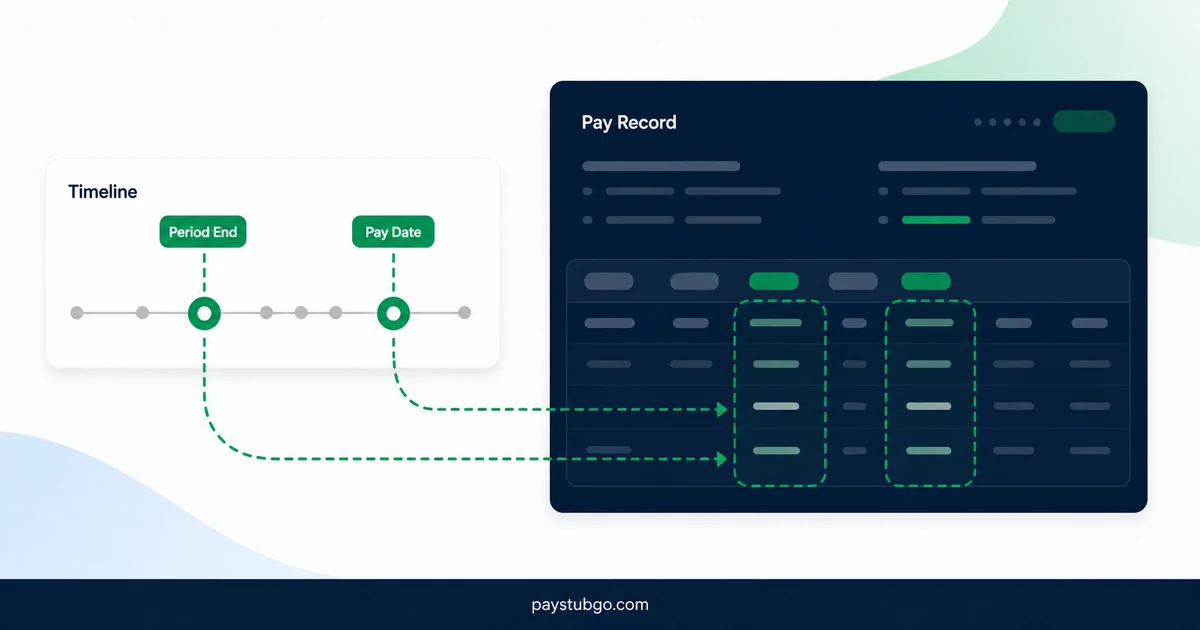
- Pay dates. Biweekly pay dates move through the calendar and always fall on the same weekday. Semimonthly pay dates stay on the same calendar dates and shift to a nearby business day when they land on a weekend or holiday; our guide to pay dates versus period end dates covers why the two differ.
- Period dates. Biweekly stubs show periods such as "11/29/2026 to 12/12/2026". Semimonthly stubs show periods such as "12/01/2026 to 12/15/2026" and "12/16/2026 to 12/31/2026".
- YTD by midyear. A semimonthly stub dated June 30 always carries 12 checks in its YTD totals. A biweekly stub on the same date carries 12 or 13, depending on the schedule.
- Per-check withholding. Income tax withholding is figured for the pay frequency the employer runs, so a biweekly and a semimonthly stub at the same salary will not show identical tax lines.
Which schedule an employer can use is decided by the employer within state rules, and some states require certain workers to be paid at least twice a month. The US Department of Labor's State Payday Requirements table summarizes those rules, and the state labor department has the current version. This comparison is general information and not legal or tax advice.
Setting up a biweekly or semimonthly stub correctly
The most common mistake on a self-made record is choosing one schedule and entering the dates or amounts of the other: a 14-day period labeled semimonthly, or a $3,250.00 salary check on a biweekly schedule for a $78,000 salary.
PayStubGo's form asks for the pay frequency, the period start and end dates and the pay date as separate entries, and the preview shows them together before you download a PDF. PayStubGo formats the information you provide and does not check it against a payroll system, so compare the four entries with each other first. When they agree, you can make a paycheck stub for either schedule and confirm the dates in the preview.
PayStubGo
Create a paystub from your own details
Preview your paystub, review the layout, and download a clean PDF when the information looks right.